Service Year Awards · Free resources
Employee Recognition Plaques planning tools
Service Year Awards publishes eleven free planners for HR teams and small employers. Use them to count plaques per milestone tier, add up a cycle's cost from a quote, see whether a long name fits a line, and draft messages for service and retirement plaques. The date tools count back from a staff meeting. Each one calculates from your own entries.
An employee moving to another office changes the packing destination, not the number of service awards. Keep eligibility approval with the program owner. Use one row per person and milestone, and separate the public inscription from confidential employment records.
calculator
Quantity Calculator
Total the awards for one recognition cycle from the employees honored, the pieces each receives, and any team or retirement pieces you add.
calculator
Budget Estimator
Combine headcount, a quoted or assumed cost per plaque, setup, shipping and tax into one planning figure for a recognition cycle.
checker
Engraving Text Length Checker
Paste a plaque inscription to count each line against your own character limit and catch long names or messages before the proof stage.
calculator
Shipping & Timeline Estimator
Start from the day plaques must be in HR's hands and count back through receiving, transit, production and proof review to a dispatch date.
checker
Material Comparison Tool
View two materials together, for instance walnut with a metal plate and clear acrylic, to decide which suits a wall plaque or a desk award.
planner
Production Timeline Planner
Turn a presentation date into a set of start dates for proof review, production, transit and receiving, so HR knows when the roster must be final.
generator
Engraving Wording Generator
Fill in an employee's name, the occasion and the date to receive short inscription drafts in a formal, warm or brief tone.
planner
Event Award Planning Checklist
Work through the award tasks behind a staff recognition event and tick each one off while the page is open.
planner
Employee Recognition Program Planner
List each recognition category as a row with its groups and pieces per group, and the planner totals the whole program.
generator
Award Title Generator
Get naming ideas for a staff award, a monthly program or a recognition board heading from a theme such as service, teamwork or mentoring.
generator
Plaque Wording Generator
Draft a plaque message for a service anniversary or retirement from the employee's name, the occasion and verified service dates.
A useful order plan, in three decisions
Step 1
Count the actual pieces
Start with the recipients, positions or physical units in your order. Distinguish shared pieces from personal ones, and count packaging separately. Use the quantity tool to reconcile the inventory before discussing a product price.
Open the toolStep 2
Prepare the words and design
Choose the material direction around the intended use. Check exact names and identifiers, then use the text counter to edit line lengths. The final proof needs the product dimensions, artwork and approved wording together.
Open the toolStep 3
Review cost and timing
Enter current quoted costs into the budget tool and confirmed stage durations into the timeline. Keep unknown amounts or dates visible in your brief. The calculation helps you evaluate a proposal; it does not reserve production or purchase shipping.
Open the toolDetails to retain for your order: Milestone eligibility, preferred name, dedication and receiving team.
Choose the pieces your plan describes
Use these designs to discuss the physical format, personalization and intended use. The images are original AI-generated concepts; final dimensions, material and construction are developed in the quote and proof.

Design concept · Walnut and brushed metal
Service Milestone Plaque
Use the same format across a service program and vary the milestone inscription. A five-year and a twenty-year award can belong to the same visual family while carrying different messages about the person's contribution.
Explore the design and personalization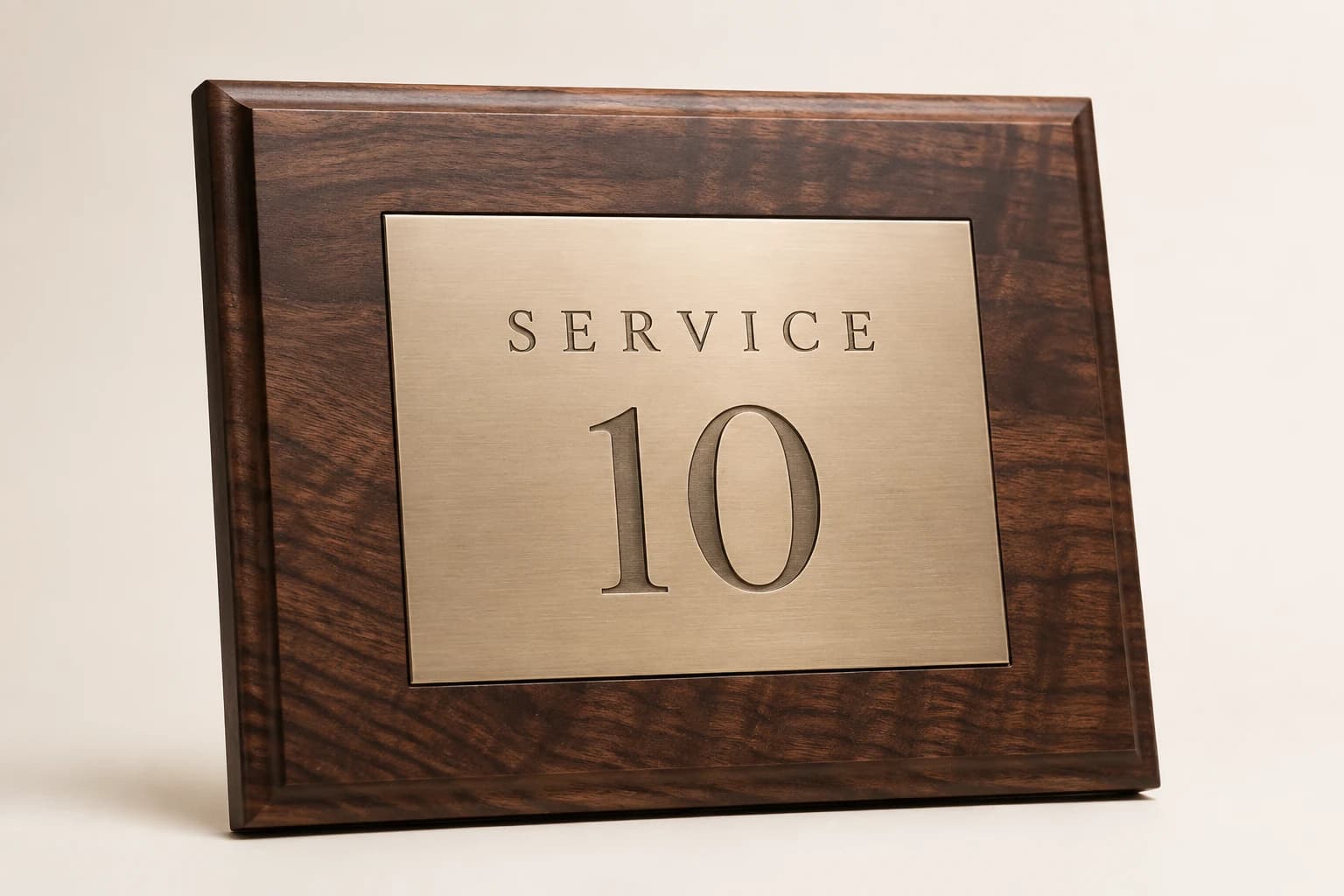
Design concept · Walnut with brushed metal plate
Years of Service Recognition Plaque
Agree on whether the award displays years completed or the full start-to-anniversary date range. For a ceremony with several milestones, keep the company wording consistent and make the changing service number easy to distinguish.
Explore the design and personalization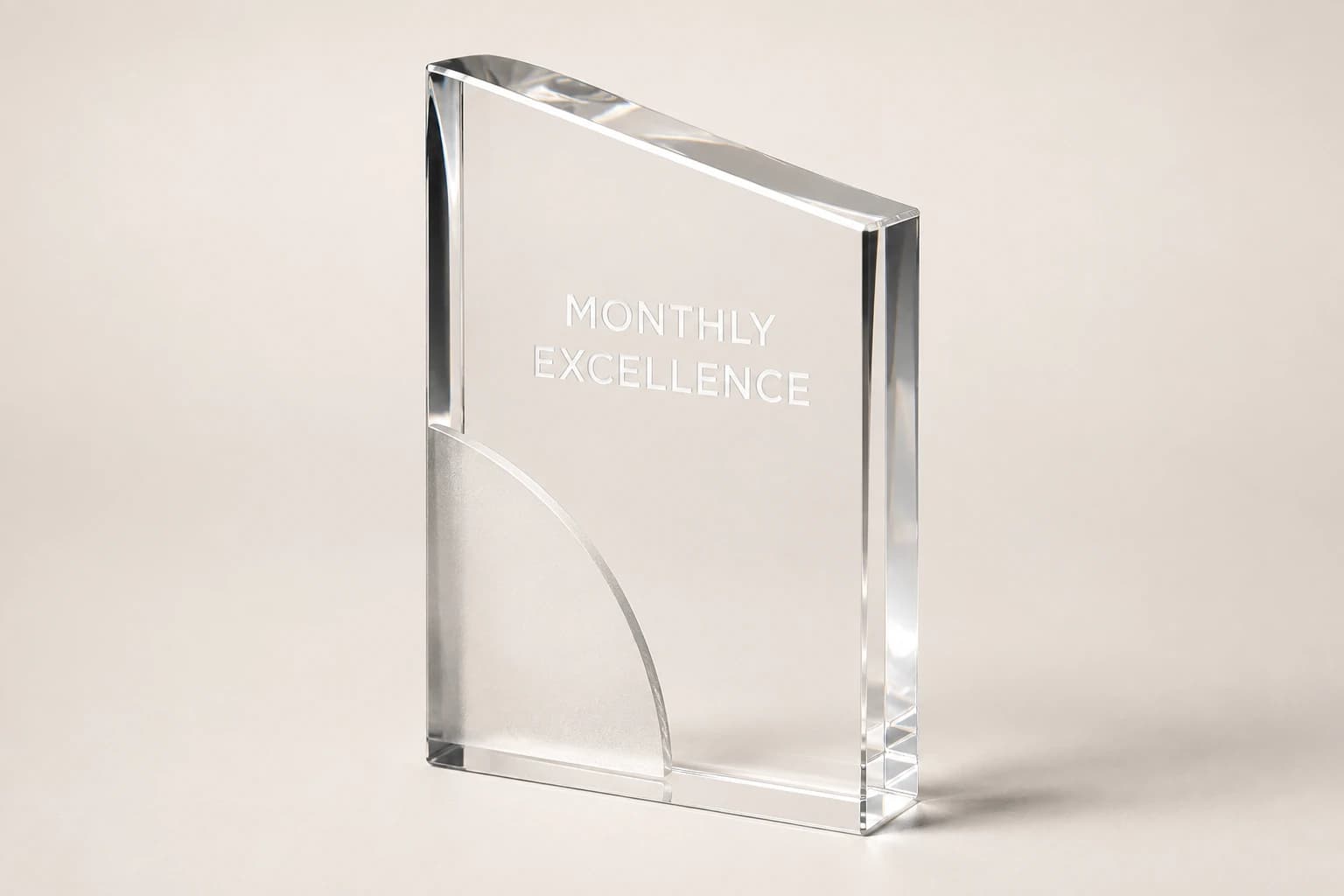
Design concept · Clear acrylic
Employee of the Month Acrylic Award
Include the month and year so the award remains meaningful after the next recipient is announced. If the recognition is for a particular action, add a short contribution line instead of filling the remaining space with generic praise.
Explore the design and personalization
Design concept · Walnut, cherry, or mahogany with plate
Retirement Appreciation Plaque
A personal message from the department often works better than a formal job description. Decide who the plaque is from before finalizing the wording, especially when several teams are contributing to the gift.
Explore the design and personalization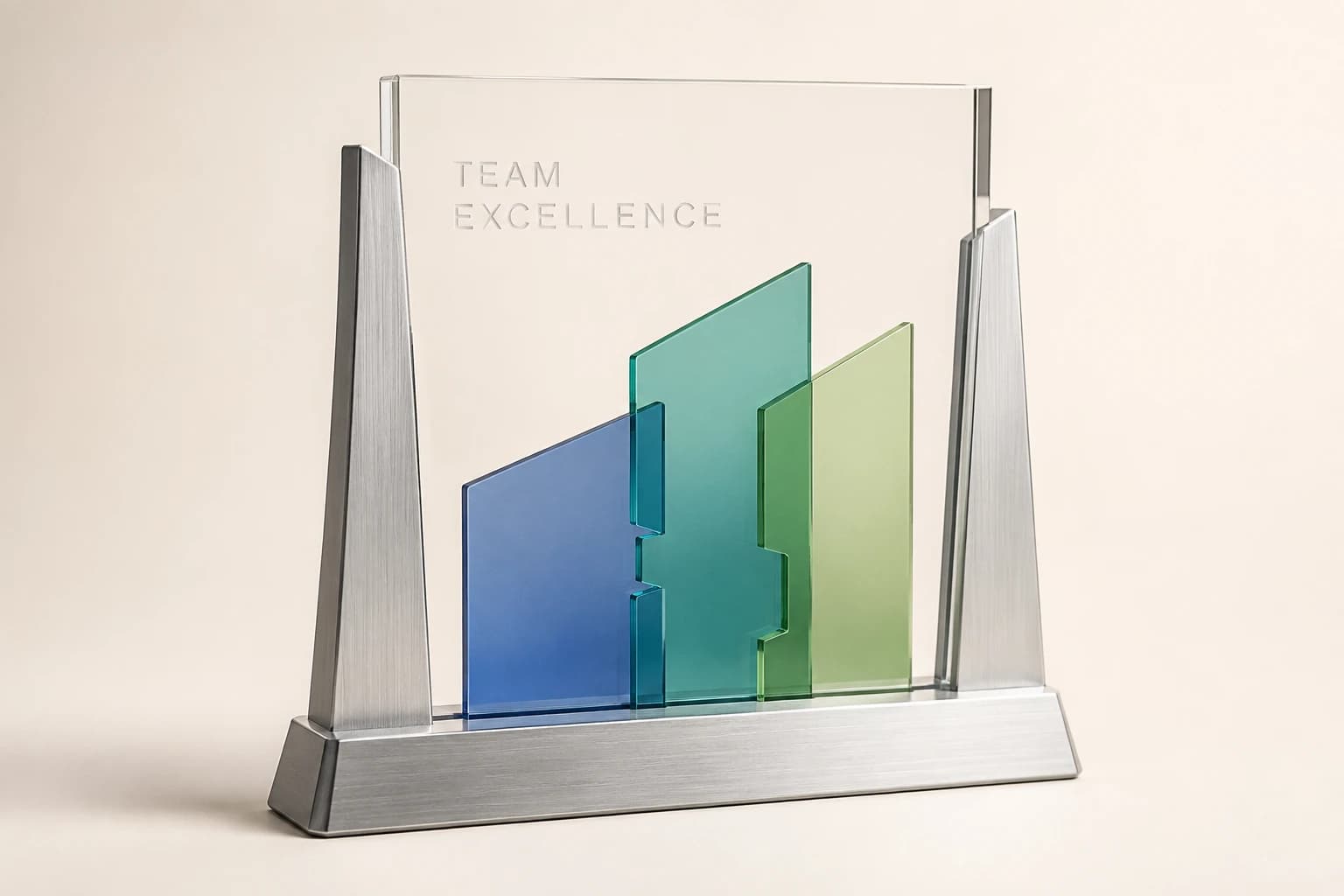
Design concept · Acrylic and metal
Team Appreciation Award
Choose a shared display location before choosing the wording. A team-room award can name the whole group, while individual desk versions can recognize each person's role without crowding the main piece.
Explore the design and personalizationFrom planning result to a useful quote request
The calculators run in your browser. Where a tool offers a quote button, choosing it saves the result as a draft for this brand in the same browser tab. Review the message on the quote page and add the product, material, dimensions, destination and required date. The draft is sent only when you submit the contact form.
Worked examples explain the arithmetic and wording choices. They use sample details and do not represent completed customer orders. Keep your actual names and identifiers in your approved source file, and ask for written confirmation of the final design, price and delivery plan before production.
Which buying guide should you read next?
All buying guidesSeparate the reusable service-award design from each cycle’s approved recipients, quantities and delivery allocations so a recurring order cannot replay stale personal data.
Preserve the recipient’s approved full display name and adjust the design around it, using actual-size proofs rather than a character limit as a fit guarantee.
Choose whether the photograph should remain a separate replaceable component or part of the finished recognition artwork, with a clear image window, inscription area and update responsibility.
Choose a consistent award family, then give each approved service milestone a clear distinction in wording, presentation or design.
Service Year Awards quote
Send your employee recognition plaque plan for pricing
For employee recognition plaques, Service Year Awards prices from the award, headcount by milestone, date style, messages, board plates and destinations. Paste the planning result into the message.